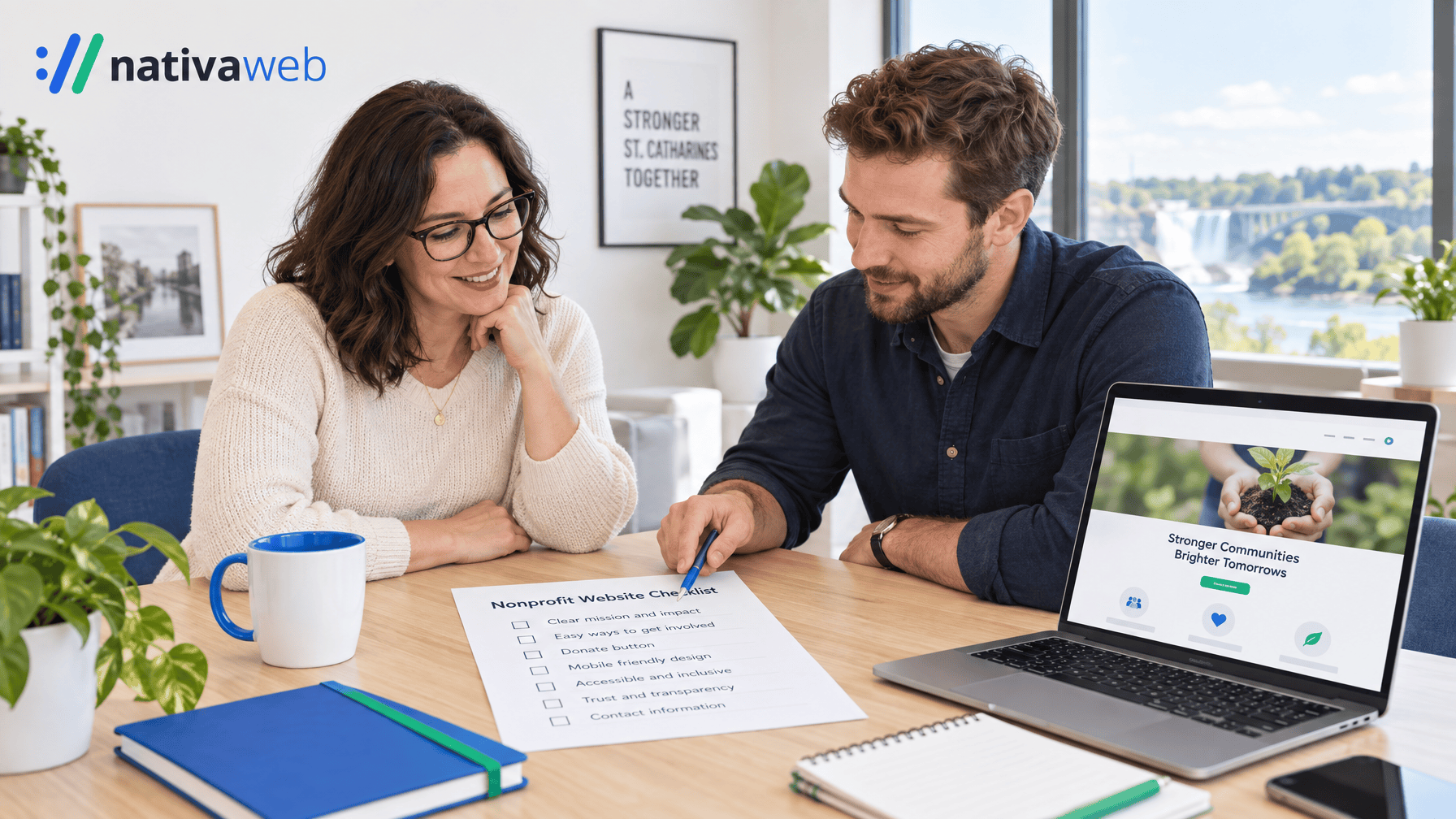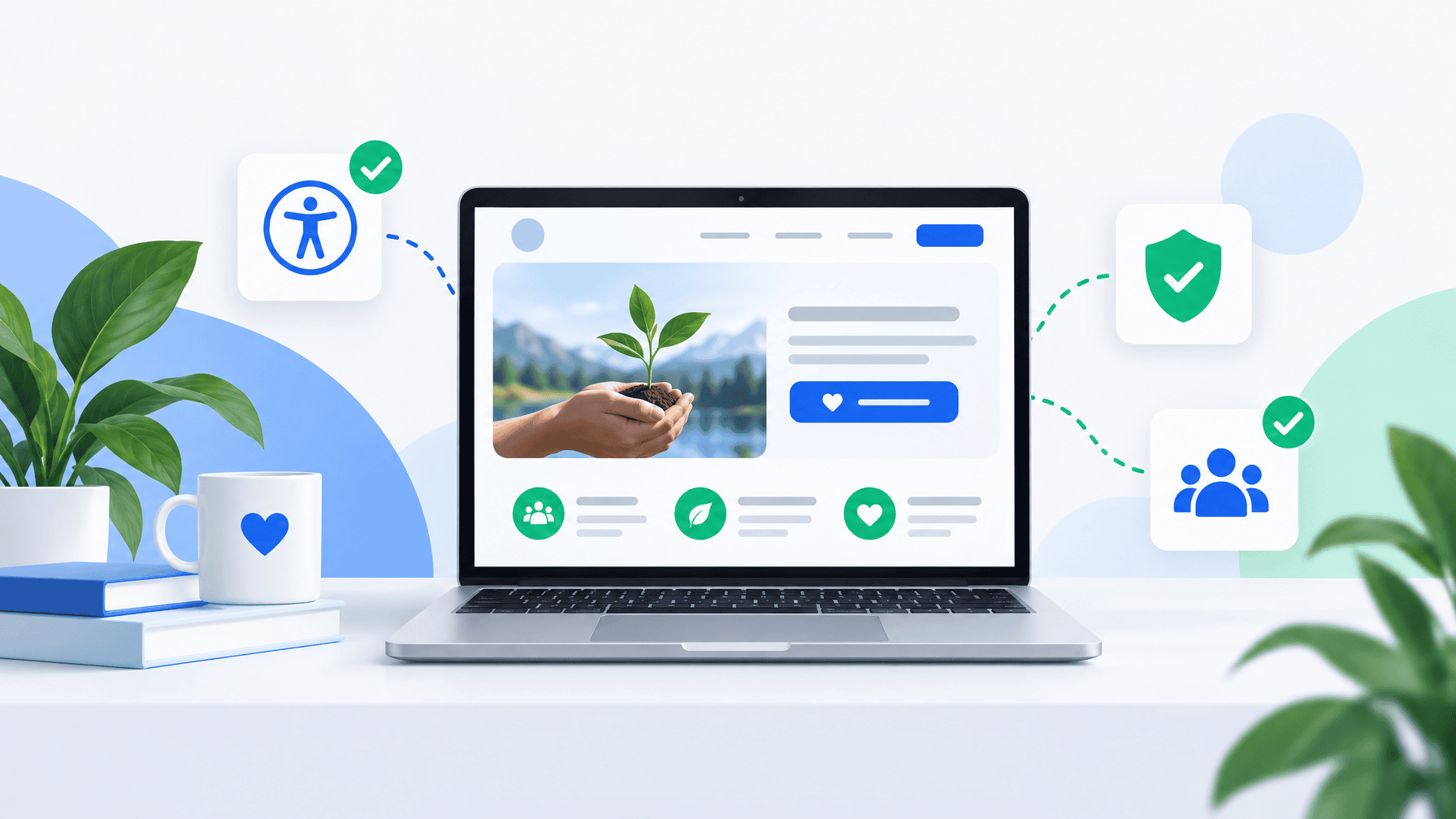


If you lead a Canadian nonprofit, hiring a web agency is a board-level decision. The site has to explain the mission in seconds, take a donation on a phone, stay usable for people with disabilities, and remain something your staff can update after launch. Price and a pretty mockup are not enough.
This guide is for charities, community groups, and associations in Ontario and across Canada who need a clear way to choose a partner. Use it in discovery calls. Share it with your board.
What a good Canadian web agency actually delivers
A useful partner does more than pick a theme. They help you decide what the site must do in the first year: donate, volunteer, register for a program, or book a call. They write information architecture in plain language. They design for mobile first. They plan accessibility into the theme, not as a widget at the end.
For Ontario organizations, they should be able to talk about the Accessibility for Ontarians with Disabilities Act and the Web Content Accessibility Guidelines without reading from a sales slide. Ontario’s public guidance points organizations to WCAG as the technical standard for accessible websites. Many teams treat WCAG 2.1 Level AA as a practical build target even when a contract still cites an older WCAG version.
A Canadian agency should also understand bilingual content when you need it, charity registration details on the site, and donation tools that produce a clean receipt. If they only show restaurant and real-estate work, ask for nonprofit or public-sector examples before you sign.
Start with outcomes, not a feature list
Write a one-page brief before you talk to anyone:
- Who you serve, in one sentence
- The single action you want a first-time visitor to take
- Pages that must exist on day one versus later
- Who on staff will update events, stories, and forms
- Hosting, security, and who owns the domain and the code
- A realistic range, not a wish number with no scope
When agencies quote against the same brief, you can compare process, not just a monthly fee. If they skip the brief and jump to a theme name, they are selling a template, not a project.
Ten questions to ask every agency
Ask these in writing. The answers tell you more than a reel of homepage animations.
- Show three sites like ours. Prefer charities or community organizations, not only large brands. Ask what changed after launch: donations, volunteer applications, or staff time spent updating the site.
- Who does the work? You want names for strategy, design, development, and accessibility review. A sales lead who vanishes after the contract is a warning.
- How do you handle AODA and WCAG? Ask how they test forms with a keyboard, how they write alt text and labels, and whether they include a remediation pass after content is entered. A plugin that “makes the site accessible” is not a plan. See our AODA and WCAG guide for Canadian organizations.
- Can we complete a donation on a phone in two minutes? Ask them to walk through monthly giving, error messages, and the thank-you page.
- What do we own? Domain, hosting account, WordPress admin, theme files, and design source files should sit in your organization’s name.
- How do you train our team? A one-hour demo is rarely enough. Ask for written notes and a short recording.
- What happens after launch? Updates, backups, plugin discipline, and a named contact matter more in year two than the launch week photos.
- How do you estimate timeline? A 2-4 week build can work for a focused site when content is ready. A membership portal or multilingual rebuild takes longer. Vague “it depends” with no phases is a risk.
- How do you approach search? For local missions, that means program names plus city, a clear Google Business Profile if you have a public location, and content your community actually searches. Our notes on Niagara digital presence apply to nonprofits as well as businesses.
- What will you refuse to build? A strong partner will decline inaccessible forms, mystery autoplay video, and five equal “Donate / Volunteer / Shop / Join / Learn” buttons fighting on the homepage.
Red flags that waste a grant year
Walk away, or at least slow down, if you hear:
- “Accessibility is a phase two item.”
- “We keep the site on our account so we can maintain it.”
- “You will not need training. Just call us for every change.”
- A quote with no sitemap, no content plan, and no list of what is out of scope
- Stock photos of handshakes as the entire visual strategy
- Pressure to sign this week because a “dev slot” is closing
Cheap rebuilds that lock you into the agency’s hosting and a page builder you cannot leave often cost more than a clearer WordPress project. For platform specifics, read what Ontario nonprofits actually need from WordPress in 2026.
How to compare proposals without a design degree
Score each proposal on the same sheet:
- Clarity of the proposed homepage story
- Donation and volunteer paths
- Accessibility method and testing
- Content and training plan
- Ownership and hosting
- Maintenance and response times
- Relevant Canadian references
- Total year-one cost, not only the build line
Invite two finalists to a 45-minute working session. Give them your real homepage copy. Watch how they edit it. The team that cuts jargon and names one next step is usually the team you can live with for three years.
If you are in Niagara or the GTA, meet in person when you can. Local context helps: service areas, bilingual communities, and the way donors actually find you.
A simple decision timeline
Week 1: brief and budget range. Week 2: three conversations. Week 3: two proposals and reference calls. Week 4: choose, confirm ownership, and lock a content deadline. Do not start visual design until the sitemap and primary action are agreed.
NativaWeb is a St. Catharines studio that builds WordPress sites for Canadian nonprofits, healthcare teams, and local organizations. We work in the open: discovery first, no pressure, and a site your staff can run.
If you want a second set of eyes on an RFP or a current site, book a free consultation at nativaweb.com. Bring your brief. We will tell you honestly whether a rebuild, a repair, or a pause is the better next step.