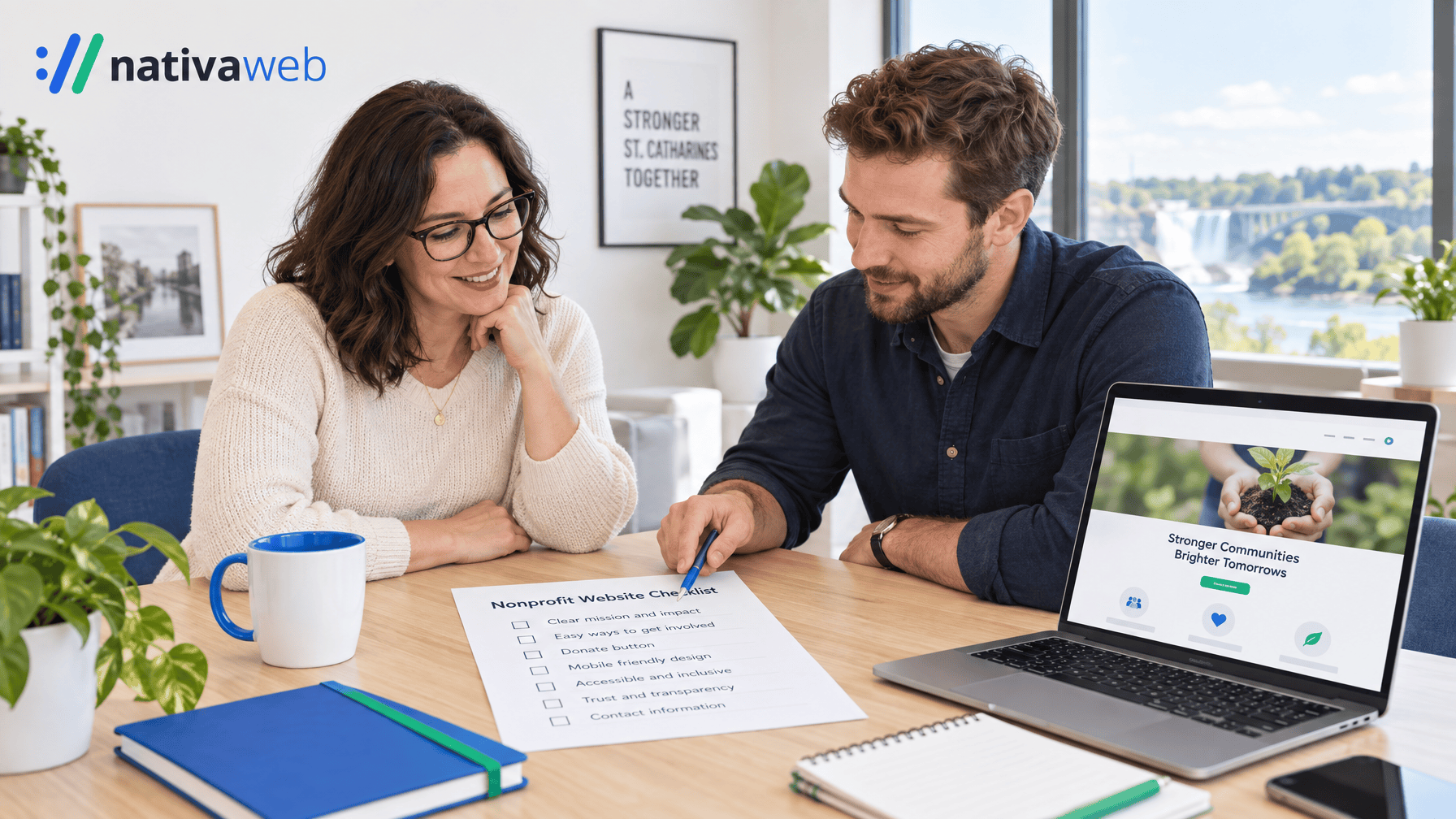

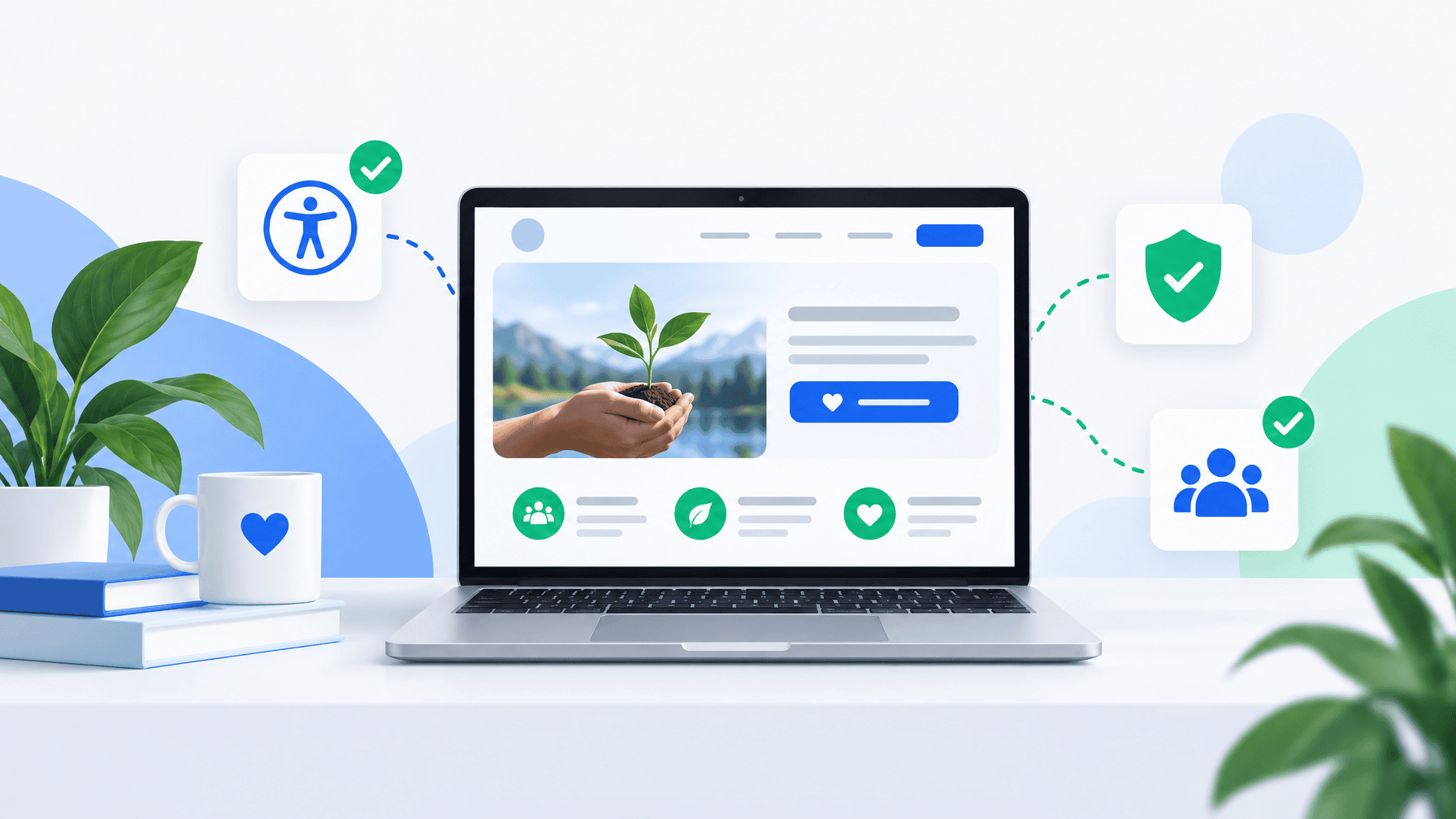
Charity websites lose gifts when people cannot find Donate in two taps, when hours are wrong, or when a form fails on a phone. This guide is for Canadian charities (especially Ontario and Niagara groups) that want charity web design Canada standards that match how neighbours actually give and volunteer in 2026.
It sits beside our notes on website updates for charities, nonprofit website design Ontario, and WordPress for Canadian nonprofits. Use it when you hire a charity WordPress developer, refresh an old site, or brief a board on what “done” looks like.
Who this guide is for
You run programs, not a software company. You need the public site to show you are open this week, move a visitor to Donate or Volunteer without a scavenger hunt, and stay editable by two staff after launch. Below are seven choices that separate a brochure site from a working charity site.
1. Put Donate where every page can reach it
CanadaHelps is clear: visitors should never be more than two or three clicks from your giving portal. Anchor Donate in the main navigation (often top right), keep it visible as people scroll, and repeat a short path on the homepage.
Practical checks:
- Donate works from homepage, program pages, and impact stories
- The label says “Donate,” not “Support us” buried in a footer maze
- On mobile, the button is thumb-reachable without a nested menu first
If your only “site” is a single landing page, the same rule applies: one obvious gift path above the fold.
2. Build a real Ways to Give hub
Treat the Ways to Give page as the fundraising hub. CanadaHelps recommends multiple options: one-time gifts, monthly gifts, tribute gifts, securities where you accept them, and non-cash paths such as volunteer or in-kind.
Design habits that help:
- Pre-set gift amounts people can tap quickly
- Monthly giving easy to find
- Embedded forms on your domain when your processor allows it
- Slow methods (cheque, e-transfer instructions) listed lower, after the fast path
CanadaHelps notes that charities running two or more active donation forms earn more annual online revenue than those stuck on a single form. Campaign-specific forms beat one generic box for every appeal.
3. Design for phones first
Many visits happen on phones between errands and evening scrolling. Charity web design Canada work that only looks good on a wide monitor fails the people who fund you.
Phone test (ten minutes, real device):
- Hours and phone number readable without pinch-zoom
- Donate and Volunteer complete without horizontal scrolling
- Forms show errors next to the field, in plain words
- Tap targets large enough for a thumb
If buttons collapse into unreadable stacks, that is a design rebuild, not a content tweak.
4. Make staff the owners of content
WordPress fits most Canadian charities when roles are set correctly. Give two people the Editor role for hours, programs, and appeals. Keep Administrator for the person or agency that handles plugins, users, and core updates.
A charity WordPress developer should leave you a homepage block for next program date or snow-day notice, a simple pattern for new program pages, a one-page Editor cheat sheet, and proof that you own the domain, hosting, and admin account. If only one board member knows the password, fix ownership before you polish colours.
5. Treat accessibility as structure, not a plugin sticker
Ontario’s guidance on how to make websites accessible explains who must meet WCAG 2.0 Level AA under the AODA. As of January 1, 2021, designated public sector organizations and businesses or non-profits with 50 or more employees must make public websites and web content posted after January 1, 2012 meet those criteria (with two media exceptions for live captions and pre-recorded audio descriptions). The organization that controls the site, directly or through a contractor, must meet the rules.
Smaller charities still serve donors who use keyboards or screen readers. Practical WCAG 2.1 Level AA habits:
- A real heading outline (do not fake headings with bold alone)
- Buttons that say what they do (“Donate $25,” not “Click here”)
- Alt text that describes the image
- Keyboard access to Donate and Volunteer without traps
- Colour contrast that holds up in sunlight on a phone
An overlay widget is not a maintenance plan. See our AODA and WCAG guide for a deeper walkthrough.
6. Match Maps, hours, and the story you tell online
Neighbours trust you less when Google says open and the site says closed. Pair the site with a clean Google Business Profile for Niagara nonprofits and keep hours character-for-character the same.
On the site: current hours and a tap-to-call number on the homepage, impact numbers with a year, board lists without people who left, and program pages with the next date, not only a PDF from last season. Local SEO for charities is mostly honesty: mission words, audience words, and place names in plain headlines.
7. Hire for outcomes and a handoff you can run
Pretty mockups are cheap. A working charity site combines donate paths, mobile forms, Editor training, backups, and a partner who answers in your time zone.
Ask any charity WordPress developer:
- Who owns domain, hosting, and Administrator after launch?
- How do two staff change hours without calling you?
- How do you test Donate after plugin updates?
- How do you approach WCAG and Ontario accessibility expectations?
- What does month-one support look like in Canadian hours?
If answers stay vague, keep looking. Our checklist on what a website design company in Canada should deliver for Ontario nonprofits covers the full brief.
A simple 30-day checklist
Week 1: Confirm Donate from every main template on a phone. Fix broken forms first.
Week 2: Align hours and phone with your Google listing. Remove stale board names.
Week 3: Add or clean the Ways to Give page with one-time and monthly paths.
Week 4: Train a second Editor. Document who handles core and plugin updates.
Repeat the phone test after every major theme or plugin change.
How NativaWeb helps
NativaWeb is a St. Catharines digital agency that builds WordPress sites for Ontario nonprofits, healthcare teams, and local businesses. We focus on clear donate and volunteer paths, staff-friendly editing, and accessibility habits that hold up after launch. Practical work you can run with a small team.
Book a free consultation
If your charity site still hides Donate, breaks on mobile, or depends on one person with the password, we can review the path with you.
Book a free consultation at nativaweb.com, or start at nativaweb.com. Fifteen minutes is enough to spot the highest-friction steps and decide what staff can fix versus what needs a rebuild.