
An accessible website is an essential requirement for Canadian businesses. Whether you run a local retail store in Niagara, a healthcare practice in Ontario, or a service company across Canada, ensuring your website is usable by everyone—including people with vision, hearing, mobility, or cognitive disabilities—is critical for user experience, legal compliance, and search visibility.
In Ontario, web accessibility is governed by the Accessibility for Ontarians with Disabilities Act (AODA), which mandates that organizations meet international standards known as the Web Content Accessibility Guidelines (WCAG). Beyond legal requirements, accessible web design creates a smoother experience for every visitor, boosts your local search rankings, and expands your market reach.
This guide breaks down key AODA and WCAG requirements in Canada, common accessibility flaws, and actionable steps to make your site accessible to all.
Understanding AODA and WCAG 2.1 in Canada
To make your website accessible, it helps to understand the standards governing Canadian digital accessibility.
What Is AODA?
The Accessibility for Ontarians with Disabilities Act (AODA) aims to make Ontario accessible for people with disabilities. Under AODA's Information and Communications Standard, organizations in Ontario with 50 or more employees—and all public sector bodies—are legally required to ensure public websites meet WCAG 2.0 Level AA standards.
What Is WCAG?
The Web Content Accessibility Guidelines (WCAG) are the global benchmark for digital accessibility. WCAG is organized around four core principles (POUR):
- Perceivable: Information and UI components must be presented so all users can perceive them (e.g., text alternatives for images).
- Operable: UI components and navigation must be operable by everyone, including full keyboard navigation.
- Understandable: Content and navigation must be clear, logical, and consistent across pages.
- Robust: Code must work reliably with current and future assistive technologies, such as screen readers.
Modern web best practices recommend designing toward WCAG 2.1 Level AA, which includes enhanced criteria for mobile responsiveness, touch targets, and visual contrast.
Why Web Accessibility Matters for Business Growth
Building an accessible website delivers tangible business advantages beyond legal compliance.
1. Expanded Market Reach
Approximately one in five Canadians lives with a disability. When your website has barriers—such as illegible text or unlabelled buttons—you exclude potential customers. An accessible site opens your business to every prospective client in your community.
2. Superior Search Engine Optimization (SEO)
Search engine crawlers process web pages similarly to screen readers. Accessibility features like structured headings, descriptive image alt text, and clean code directly improve how search engines index and rank your site in local search results.
3. Better User Experience for Everyone
Accessibility features benefit all visitors. A customer holding a baby with one hand appreciates large mobile buttons. Someone viewing your site outdoors relies on high color contrast. A user in a quiet environment relies on video captions. Good accessibility is simply good web design.
4. Legal Risk Mitigation
Operating a non-compliant website exposes your organization to regulatory scrutiny and potential complaints. Proactively auditing and updating your site protects your brand reputation and ensures compliance.
5 Common Website Accessibility Flaws (and How to Fix Them)
Most accessibility barriers happen unintentionally because a site was built without accessibility testing. Here are five frequent issues and how to correct them.
1. Insufficient Color Contrast
Low contrast between text and background colors makes content hard to read for people with visual impairments or color blindness.
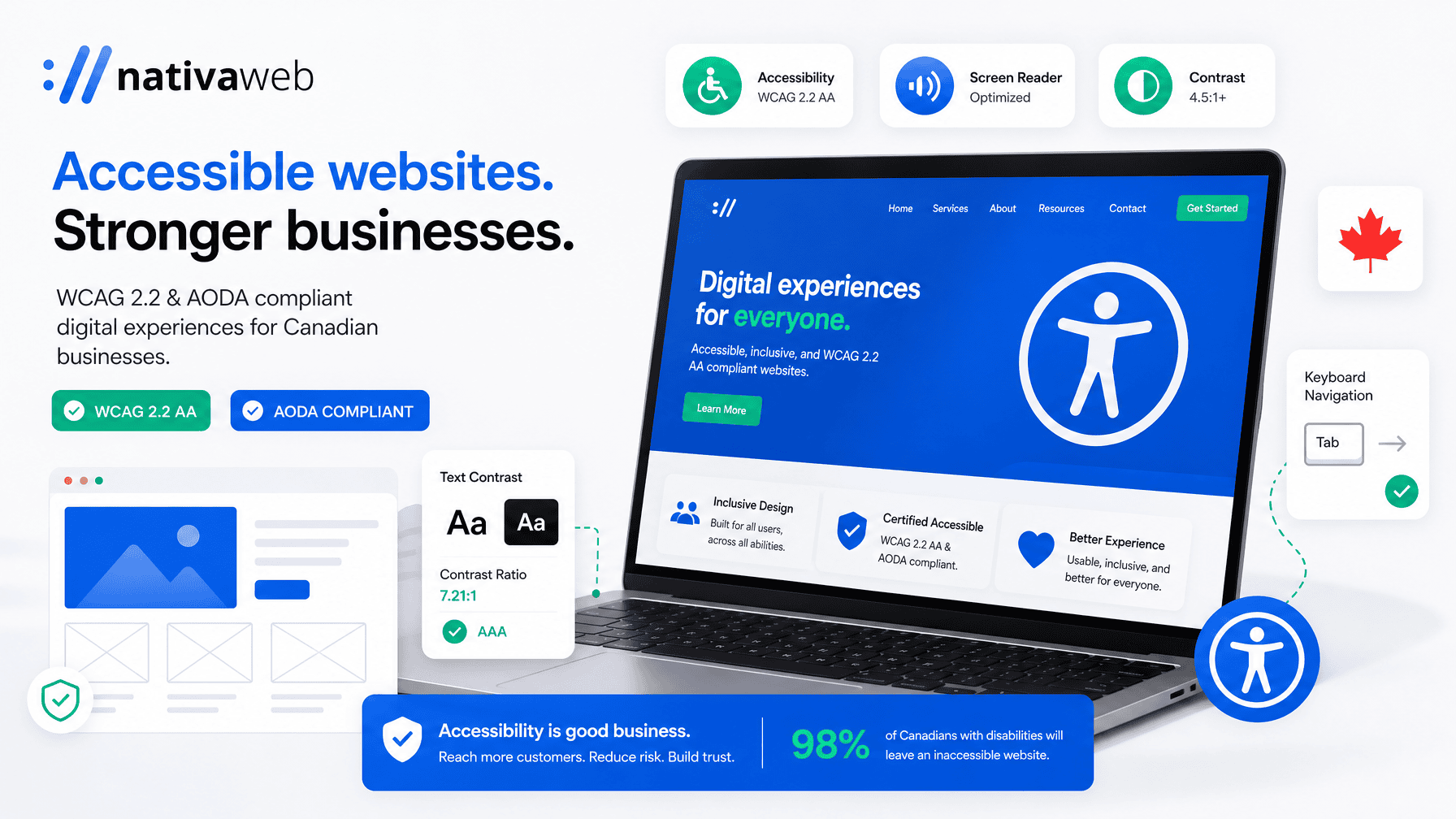
- The Fix: Maintain a contrast ratio of at least 4.5:1 for standard body text and 3:1 for large text. Use free online contrast tools to verify your brand colors.
2. Missing Image Alt Text
Screen readers rely on alternative text (alt text) to describe images to visually impaired users. Missing or vague alt text leaves users without context.
- The Fix: Add concise, descriptive alt text to informative images. For example, use "Dr. Smith explaining a treatment plan to a patient in St. Catharines" instead of "Doctor." Set decorative images to empty alt text ().
3. Inaccessible Contact Forms
Forms are crucial for conversions. When form fields lack HTML labels or error messages rely solely on red outlines, screen reader users cannot complete them.
- The Fix: Connect every field to a clear label using explicit HTML tags. Provide clear text error messages and ensure full keyboard navigation.
4. Keyboard Navigation Obstacles
Users with mobility impairments often navigate using the Tab key instead of a mouse. If dropdown menus or buttons cannot be focused via keyboard, the site is unusable for them.
- The Fix: Test your site using only the keyboard. Press Tab to navigate forward, Shift+Tab to go back, and Enter to select. Ensure a visible focus indicator highlights active elements.
5. Vague Link Text
Generic link text like "Click Here" or "Read More" provides no context when scanned by screen readers.
- The Fix: Use descriptive anchor text. Write "View our web design services for Ontario businesses" instead of "Click here."
Action Steps to Audit Your Website Today
Evaluating your website's accessibility is straightforward:
- Run an Automated Audit: Use tools like Google Lighthouse or WAVE to flag contrast errors and missing image descriptions.
- Perform a Keyboard Test: Navigate your key pages using only your Tab and Enter keys to identify navigation roadblocks.
- Check Mobile Usability: Test your site on a smartphone to ensure buttons, text size, and menus are easy to use.
- Consult Web Accessibility Experts: Automated scanners identify roughly 30% to 40% of issues. Professional manual audits ensure complete WCAG compliance.
Build an Inclusive Digital Presence with NativaWeb
Creating an accessible website does not mean compromising on modern design or speed. At NativaWeb, we build high-performing WordPress websites for Canadian businesses, healthcare practices, and nonprofits that combine clean design, fast performance, and full WCAG compliance.
Whether you need a complete website rebuild or an accessibility audit of your existing site, our team is ready to help.
Book a Free Consultation with NativaWeb today to discuss your website goals, or visit nativaweb.com to learn more.